
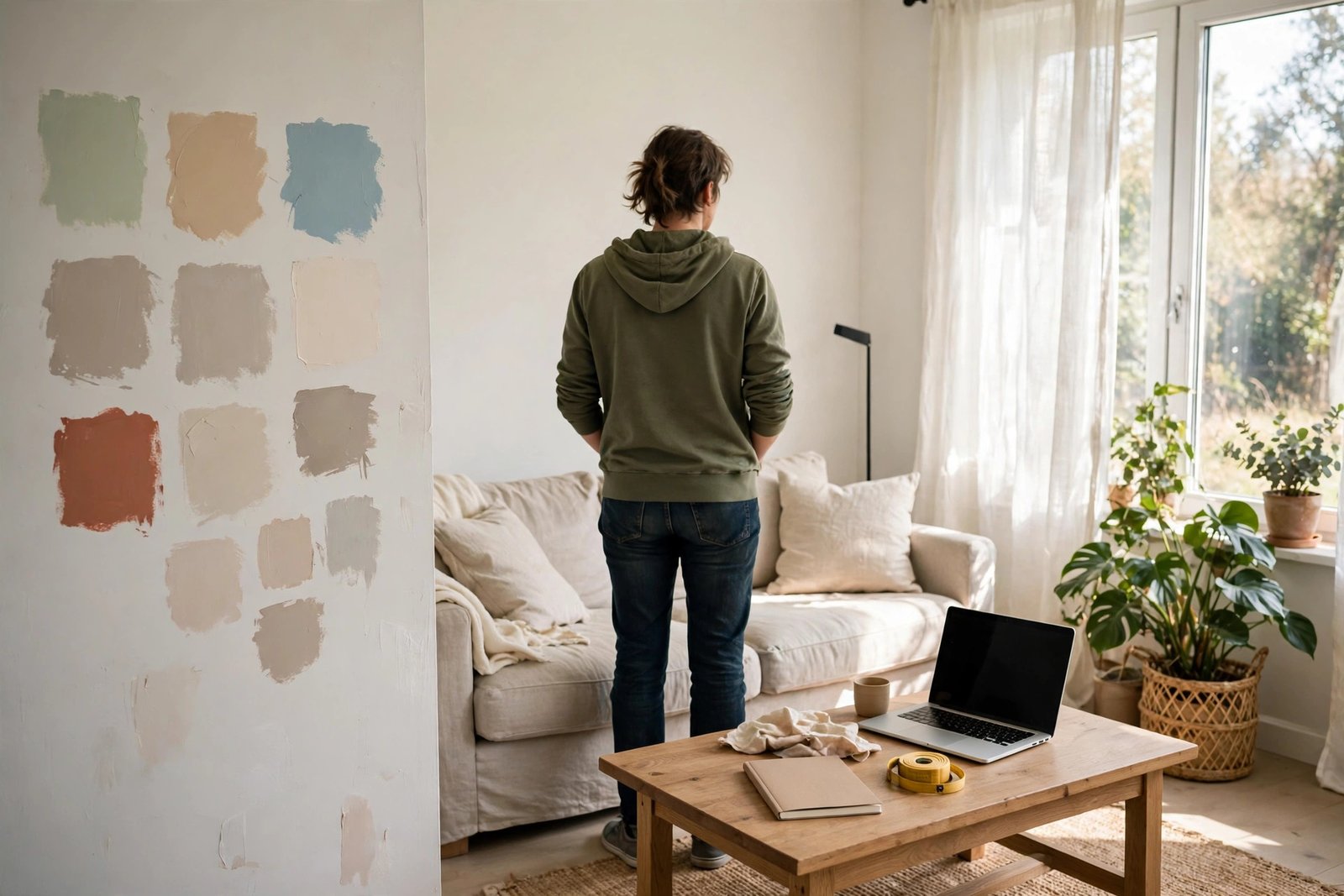
If you want to know how to use ChatGPT to design a room, start by describing the room in plain words — its size, shape, light, what you use it for, and the style you like — then upload a photo if you can, ask for a layout, a colour palette and a furniture list, and keep asking follow-up questions to refine the ideas. It works best as a brainstorming partner: it can give you layouts, colour schemes and shopping lists in minutes, but it cannot measure your room or see true colours, so always check sizes and samples yourself before you buy anything.
We have used it for exactly this, and we were pleasantly surprised. It will not replace a designer, and it will not know your room the way you do. But when you are staring at an empty room, or a room that has never quite worked, and you do not know where to start, it is a genuinely useful place to begin.
What ChatGPT can and cannot do
Before you start, it helps to know what you are getting. ChatGPT is a language tool, not a design tool. It is good at words, lists, plans and suggestions. It is not good at exact measurements, true colours, or the physical reality of your room.
| It can help with | It cannot do |
|---|---|
| Layout ideas and furniture placement | Measure your room or check if a sofa will fit |
| Colour palettes and style suggestions | Show you true colours — screens vary |
| Furniture and decor lists | Know what is in stock or what things cost right now |
| Shopping lists and budgets in general terms | Give you reliable live prices |
| Talking through options and trade-offs | See your room the way you do, even from a photo |
That is not a reason to avoid it — use it for what it is good at, ideas and planning, and keep the final decisions in your own hands.
Step 1: Describe the room properly
The quality of what you get back depends on what you put in. A vague prompt like “design my living room” will give you vague ideas. A clear description will give you something you can actually use.
Before you open ChatGPT, gather a few facts: what the room is for, its rough size and shape, where the windows and doors are, what already has to stay, what the problem is, what style you like, any colours you love or definitely do not want, and who uses the room and how.
Then write it out in plain words. You do not need design jargon. Just describe it the way you would to a friend. Try a prompt like this:
“Help me design my living room. It is a rectangular room, about 4 metres by 3.5 metres, with a large window on one short wall and the door on the opposite wall. There is a fireplace on one long wall. I have a three-seat sofa and a TV I need to keep. I work from home sometimes, so I need a small desk space. I like warm, cosy styles with wood and soft colours, and I do not like grey. There are two adults and a dog. Please suggest a layout, a colour palette, and a furniture list.”
ChatGPT will usually come back with a layout, some colour ideas, and a list of things you might need. Read it through, and note what you like and what does not fit.
Step 2: Upload a photo if you can
If the version of ChatGPT you are using lets you upload images, a photo of your room can help a lot. It gives the tool something real to work from, rather than just your description.
Take the photo from the doorway or a corner so as much of the room as possible is visible, in daylight if you can, from two or three angles. Tidy first, but do not stage it — a realistic photo is more useful than a perfect one — and mention anything the photo does not show, like the room’s size or what is behind the camera.
Then ask something specific, for example: “Here is a photo of my bedroom. Can you suggest a layout that gives me more storage without making the room feel cramped? The bed has to stay against the window wall.”
Be aware of the limits: it cannot measure from a photo, and colours in a photo are never quite true. Treat its suggestions as ideas to check, not as a final plan. And think about privacy before you upload — do not include photos with personal items or documents.
Step 3: Ask for a layout
Once ChatGPT knows the room, ask for a layout. Be specific about what you need. Good follow-up prompts include: “Can you suggest three different layouts for this room, and explain the pros and cons of each?” Or: “Where should I put the sofa and TV so the room feels open but still cosy?” Or: “How can I fit a desk into this bedroom without it feeling crowded?”
You can also ask for a simple text plan showing where each piece goes. It will not be to scale, but it helps you picture the arrangement.
When you get a layout back, check it against reality: measure the key pieces and check they will actually fit, leave space for doors to open and for walking around, and remember the dog, the kids and the vacuum cleaner. If a layout does not work, say so and ask for another version — that back-and-forth is where the tool is most useful.
Step 4: Ask for a colour palette
Colour is where a lot of people get stuck. There are too many choices, and it is hard to picture how they will look together.
Ask ChatGPT for a palette based on the style you described and anything you already have. For example: “Suggest a colour palette for a warm, cosy living room with a wooden floor and a dark green sofa. I want it to feel calm in the evening but bright during the day. Give me wall colours, accent colours, and suggestions for curtains and cushions.”
A good answer will usually include a main wall colour, one or two accent colours, and ideas for soft furnishings. Ask it to explain why the colours work together, and ask for alternatives if you do not like the first suggestion.
Remember that colours look different in your room than on a screen, so always get tester pots or fabric samples, and build the palette around the big pieces you already have, like the sofa or the floor.
Step 5: Get a furniture list and a plan
Once you have a layout and a palette, ask for a practical list of what you need. This is where ChatGPT is genuinely helpful — it can turn a vague idea into a concrete list you can work through.
Try a prompt like: “Based on the layout and colour palette we discussed, can you give me a furniture and decor shopping list for this living room? Split it into must-haves, nice-to-haves, and things I can add later. Include rough sizes for each piece.”
A useful list will include sizes, so you can check them against your room — if it does not, ask for them. If you have a budget in mind, say so, and ask which things you already own can be reused in the new layout. A good redesign often uses most of what you already have, moved around or used differently.
Be careful with prices and stock. ChatGPT does not have live prices, and it may suggest items or prices that are out of date. Use its list as a guide, then check prices yourself in shops or online. Never buy something expensive based only on a price ChatGPT gave you.
Do it in stages, so you can check each step before you move on to the next.
Step 6: Iterate, and know the limits
The first answer is rarely the best one. The real value comes from the back-and-forth. When ChatGPT gives you an idea, react to it honestly. Tell it what you like, what you do not like, and what will not work in your room. Then ask for a revised version.
Useful follow-up prompts: “I like the layout, but the desk will not fit there because of the radiator. Can you suggest another spot?” Or: “The colour palette feels too dark. Can you make it lighter and brighter?” Or: “What am I forgetting? What usually goes wrong with a room like this?” Each round should get closer to what you actually want. If it starts going in circles, start a fresh chat with a clearer description, using what you learned from the first try.
And keep the honest limits in mind. It cannot measure, so measure your room and furniture yourself. It cannot see true colours, so test samples in your room. It may invent products or prices, so treat names as suggestions to check. It does not know your home — the damp patch, the draughty window, the uneven floor — so trust your own knowledge over any suggestion that ignores it. And it is no substitute for a professional for structural work, rewiring or plumbing. For a cosmetic refresh, it is a useful helper.
FAQ
Can ChatGPT design a room from a photo?
It can look at a photo and suggest layout changes, colour palettes and furniture placement. It cannot measure from a photo, and colours in a photo are not always true to life, so use its suggestions as a starting point, then measure and check samples yourself.
Is ChatGPT good for interior design?
It is good for brainstorming, planning and organising ideas — layouts, colour schemes, furniture lists and step-by-step plans — and it is useful when you do not know where to start. It is not a replacement for a designer: it cannot check measurements, see true colours, or know the practical details of your home.
What should I ask ChatGPT when designing a room?
Start with a clear description — size and shape, windows and doors, what has to stay, the problem, and the style you like. Then ask for a layout, a colour palette and a furniture list, one step at a time, and follow up with honest feedback until the plan fits your room.
Can ChatGPT give me a shopping list for my room?
Yes — it can turn a layout and colour palette into a shopping list, split into must-haves and nice-to-haves, with rough sizes. It cannot give reliable live prices or stock information, so check those yourself before you buy.
Do I need to pay for ChatGPT to design a room?
You can do the basics — describing a room, asking for layouts, colour palettes and lists — with a free account. Photo uploads and some image features may depend on the version you are using. Start free, and only consider a paid plan if you use it regularly and want the extra features.